Audience Explorer
Your digital showroom for browsing and building high-intent B2B audiences
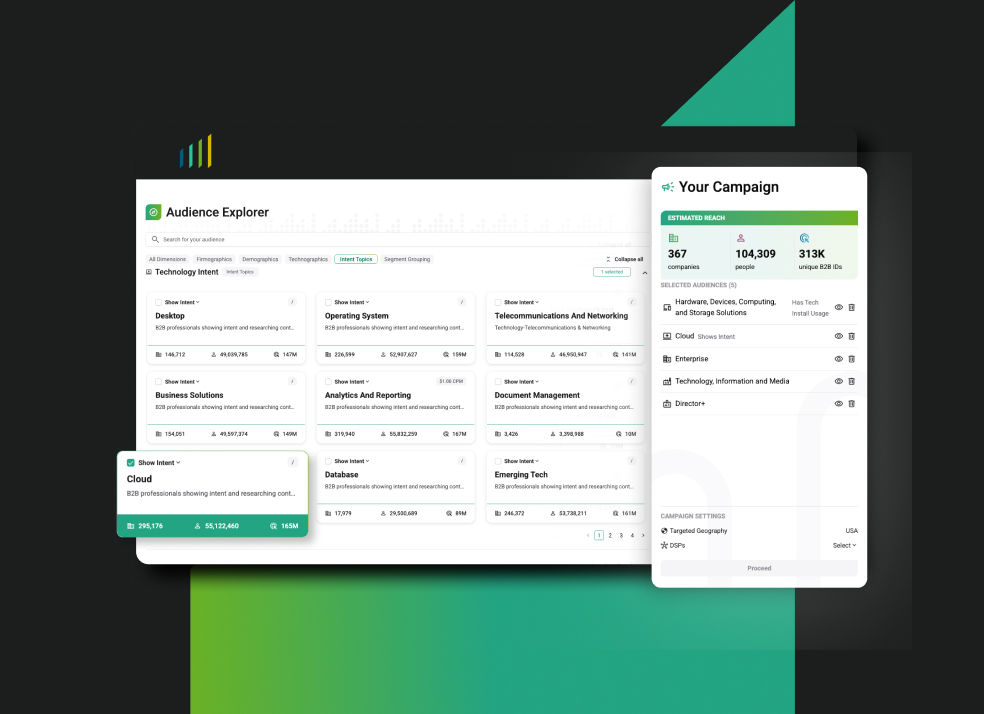
Get started with the Explorer
1. Explore dimensions
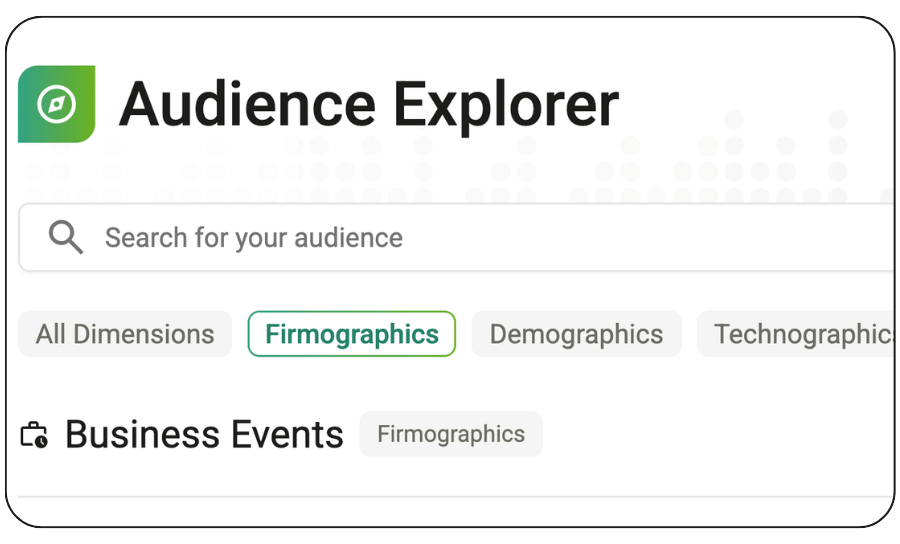
Use the search bar or click any dimension type to view all segments available to layer for your audience.
Dimension types:
- Demographic
- Firmographic
- Technographic
- Intent Data
Click on any dimension name to learn more and view a detailed composition breakdown.
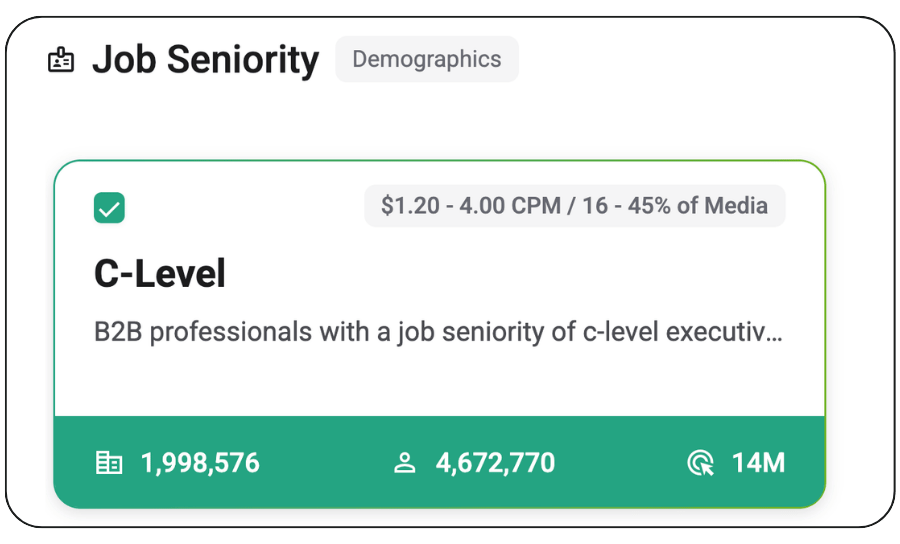
2. Build your audience
Layer dimensions together to create your audience. You can select up to eight dimensions per campaign.
- To add a dimension: Check the box above any dimension name.
- To remove a dimension: Uncheck the box or click the trash can icon (next to the dimension’s name in the right-hand panel).
- To hide a dimension: Click the eye icon (next to the dimension’s name in the right-hand panel) to temporarily “hide” a dimension to see the impact on your audience size.
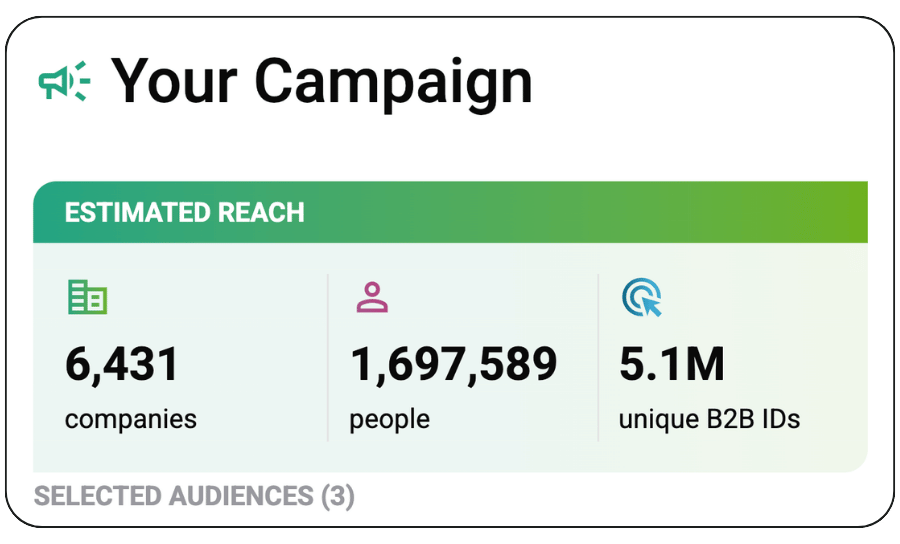
3. View your estimated reach
View your campaign’s estimated reach in the right-hand panel, which will automatically update as you add or remove audience dimensions to show you the approximate number of:
- Companies
- People
- Unique B2B IDs
Once you’re happy with your audience, click “Proceed” to learn more about activating it in most popular DSPs and platforms.
No logins. No form fills. No commitments.